


ESG intelligence platform turning raw portfolio data into the answers fund managers were actually asking.
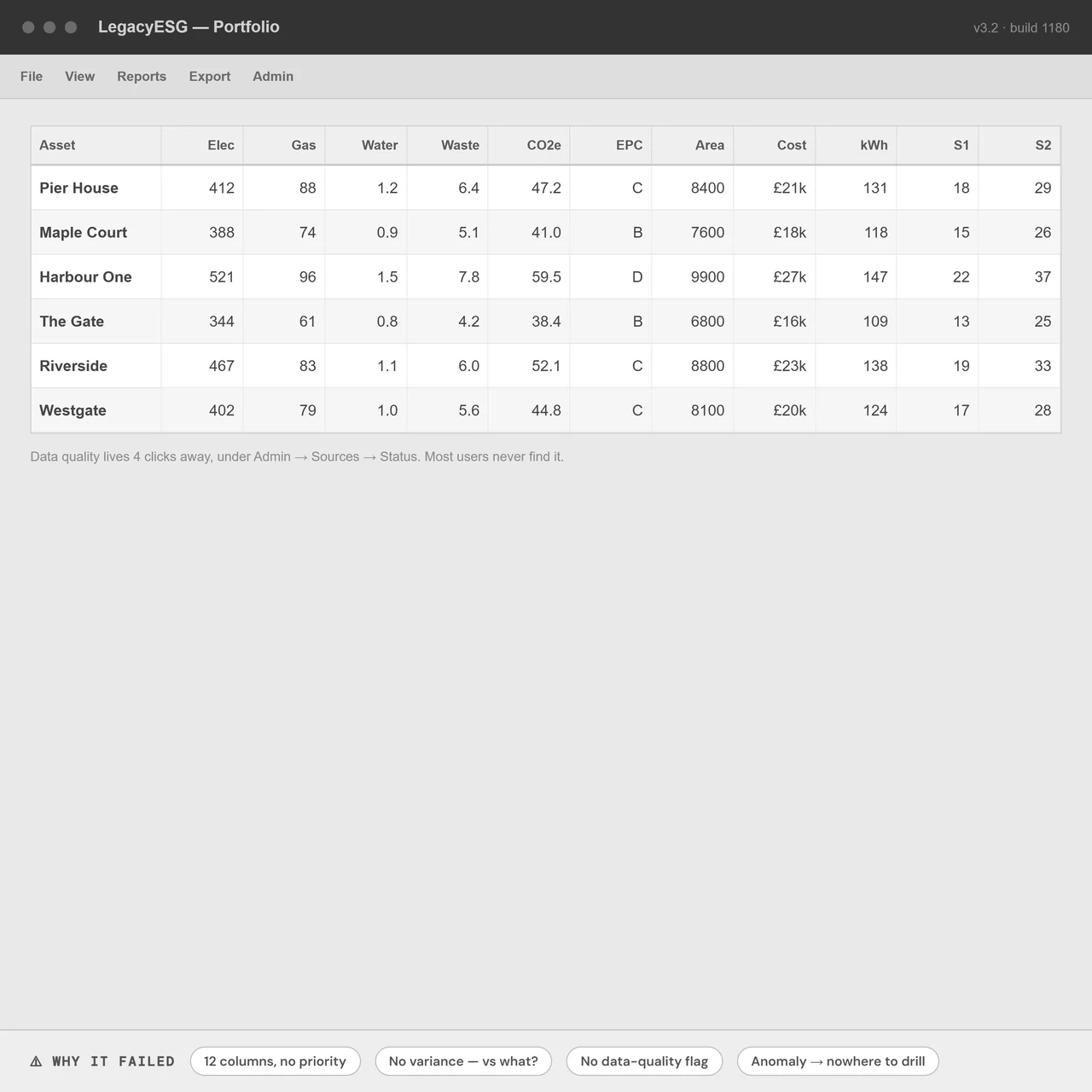
Thornfield's ESG platform held energy and carbon data across 32 assets, but the analytics layer surfaced numbers without meaning. Fund managers could see figures, yet couldn't answer the questions that mattered: are we on track, which asset is the problem, can I even trust this number?
My job was to redesign the analytics layer end to end, and to design and ship a 0→1 intelligence module on top of it, so the platform moved from a passive data repository to something that actively told users what was going on.
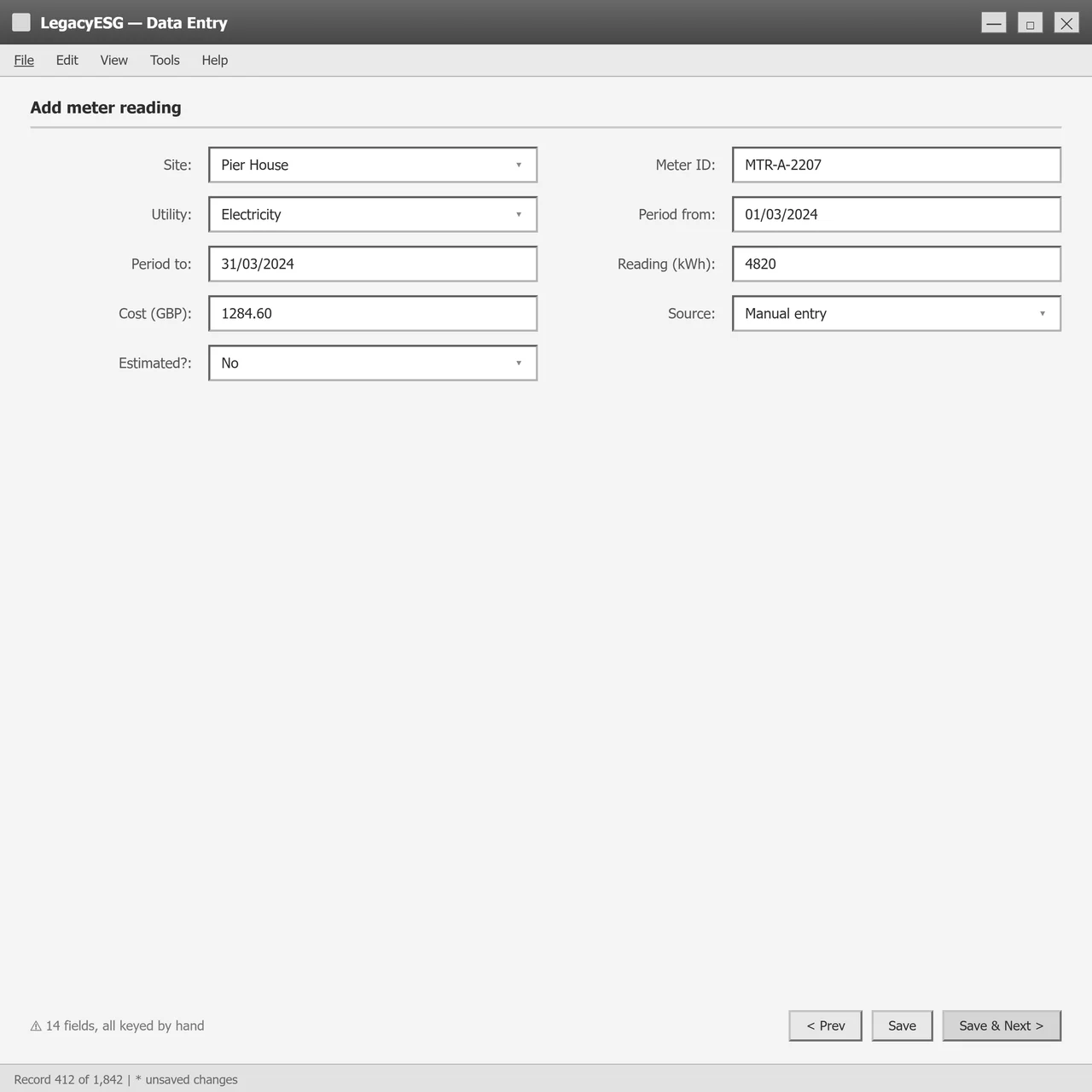
The platform stored ESG data well but interpreted it poorly. Users were exporting raw figures into Power BI and spreadsheets just to make sense of them, the product wasn't doing the thinking it promised to.
Fund managers and asset owners who needed diagnostic clarity, plus the ESG analysts maintaining the data behind them. Seven distinct role types surfaced in research, each reading the same data for different decisions.
Turn raw ESG data into signals people could act on. Make data quality something users could see and trust, and surface the one asset or anomaly that actually needed attention.
Structured interviews and annotated review sessions with fund managers, ESG managers and sustainability consultants, every session tagged and themed in Dovetail, but listened back to in full because the hedges that shape a real insight rarely survive a summary.
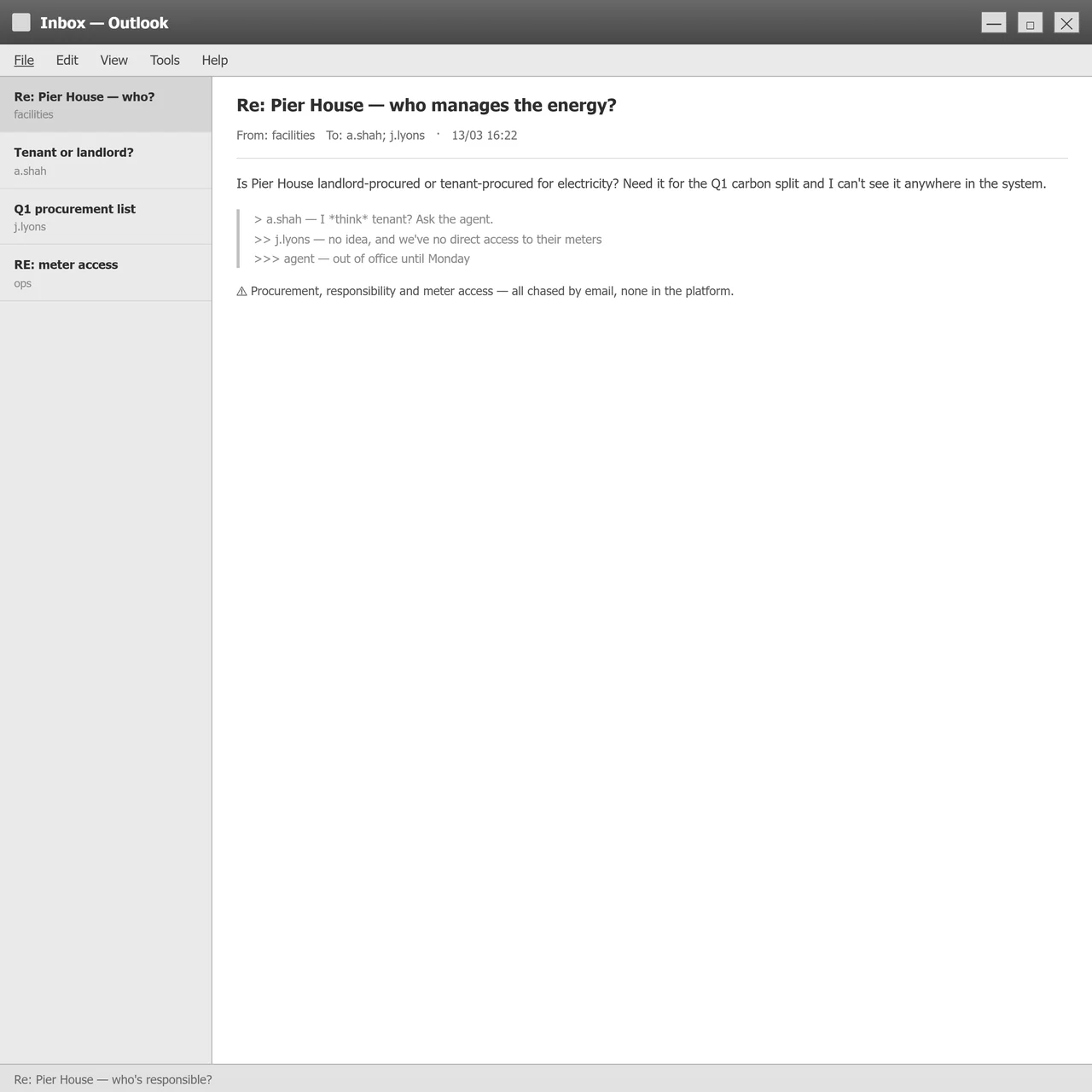
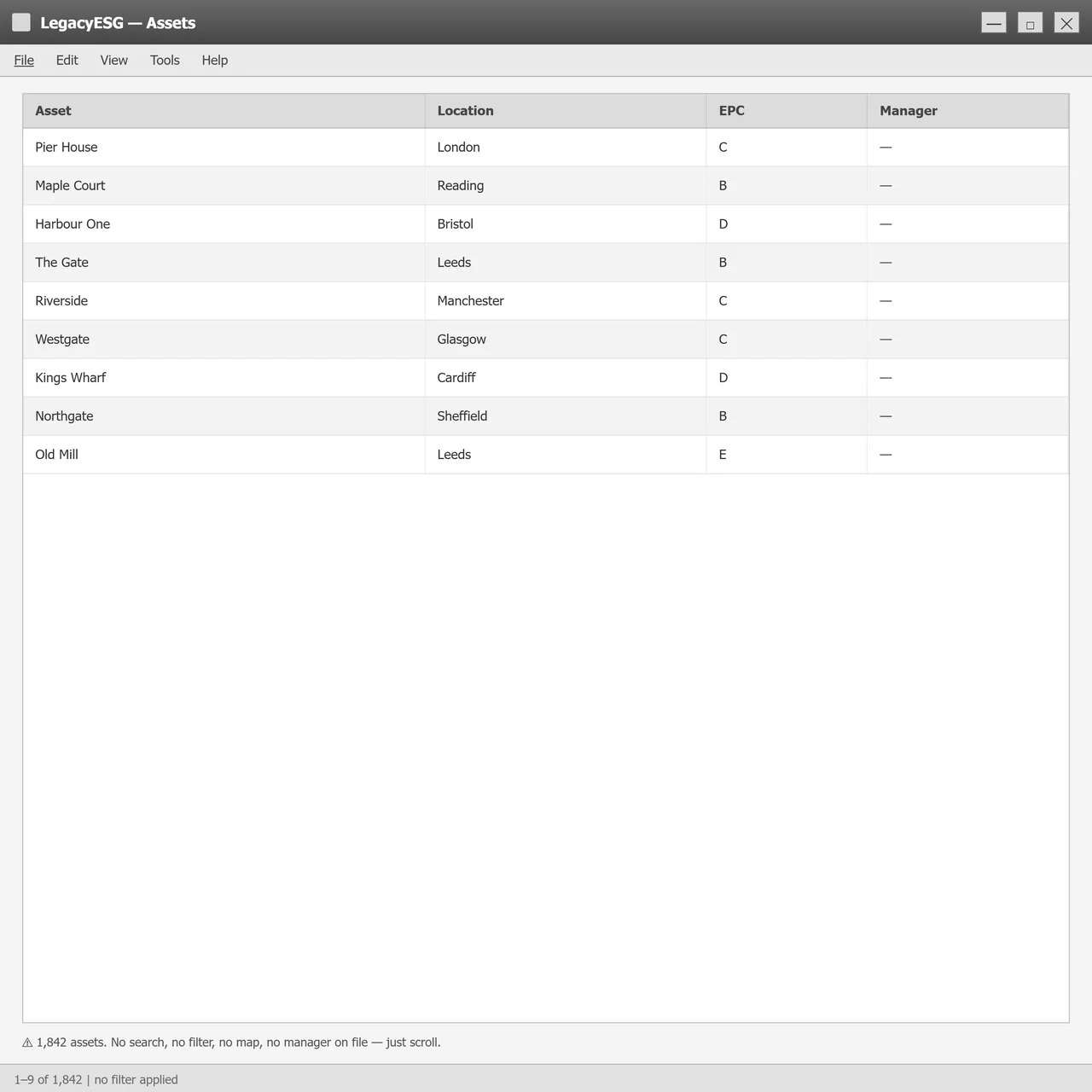
When something looks off, why do people have to leave the platform to figure out why?
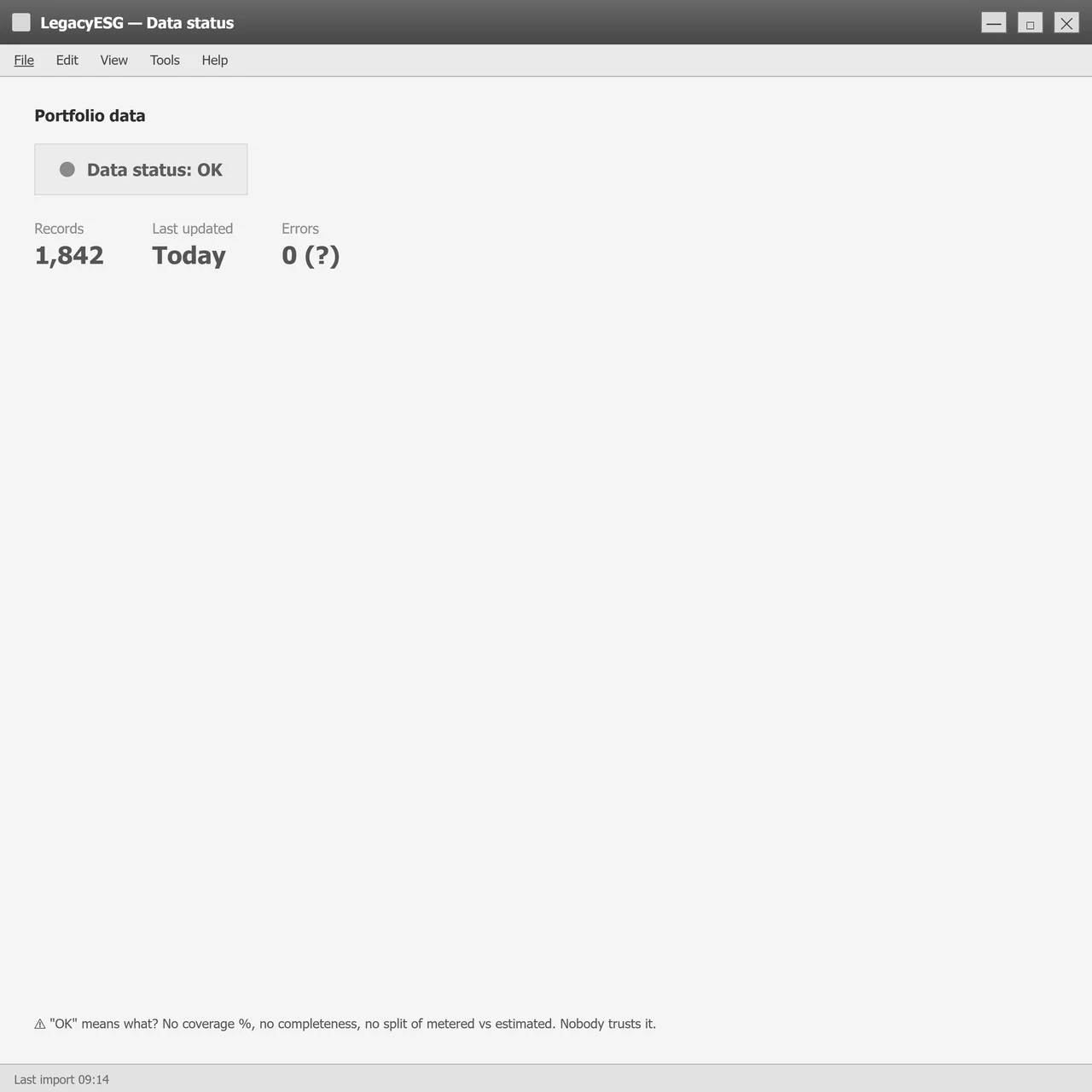
Why does data quality only show up after the report's already wrong?
What's the shortest path from a number on screen to the meter behind it?
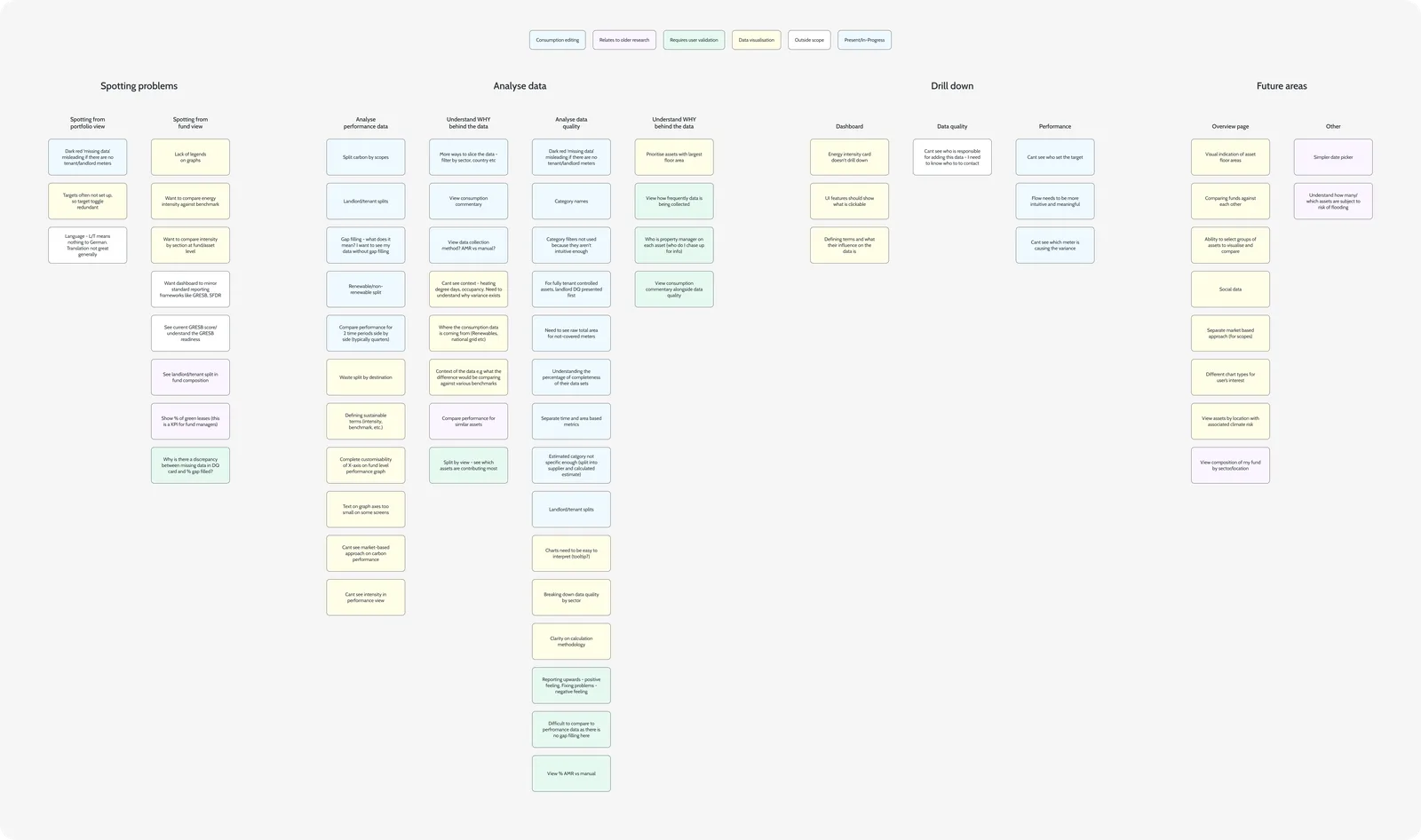
I mapped the full experience across user types, the fund manager reading portfolio performance, the consultant diagnosing a meter issue, the data admin working out why the numbers looked wrong. Organised across four phases, spotting problems, analysing, drilling down, and what comes next, the map surfaced exactly where the platform fell short at each stage.

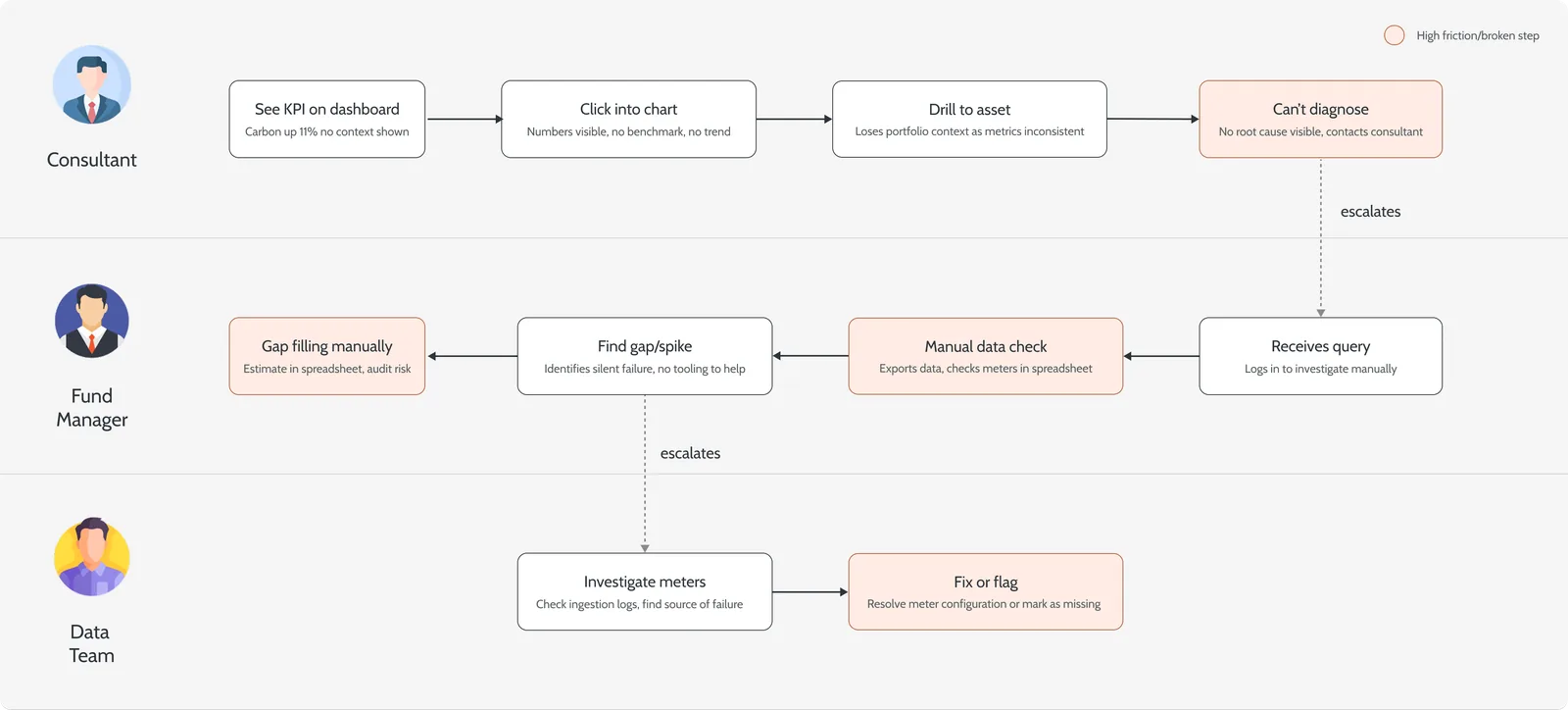
The swim-lane traced what actually happened when a fund manager spotted a problem, three roles across five phases, and how a simple data query turned into a multi-person escalation chain.

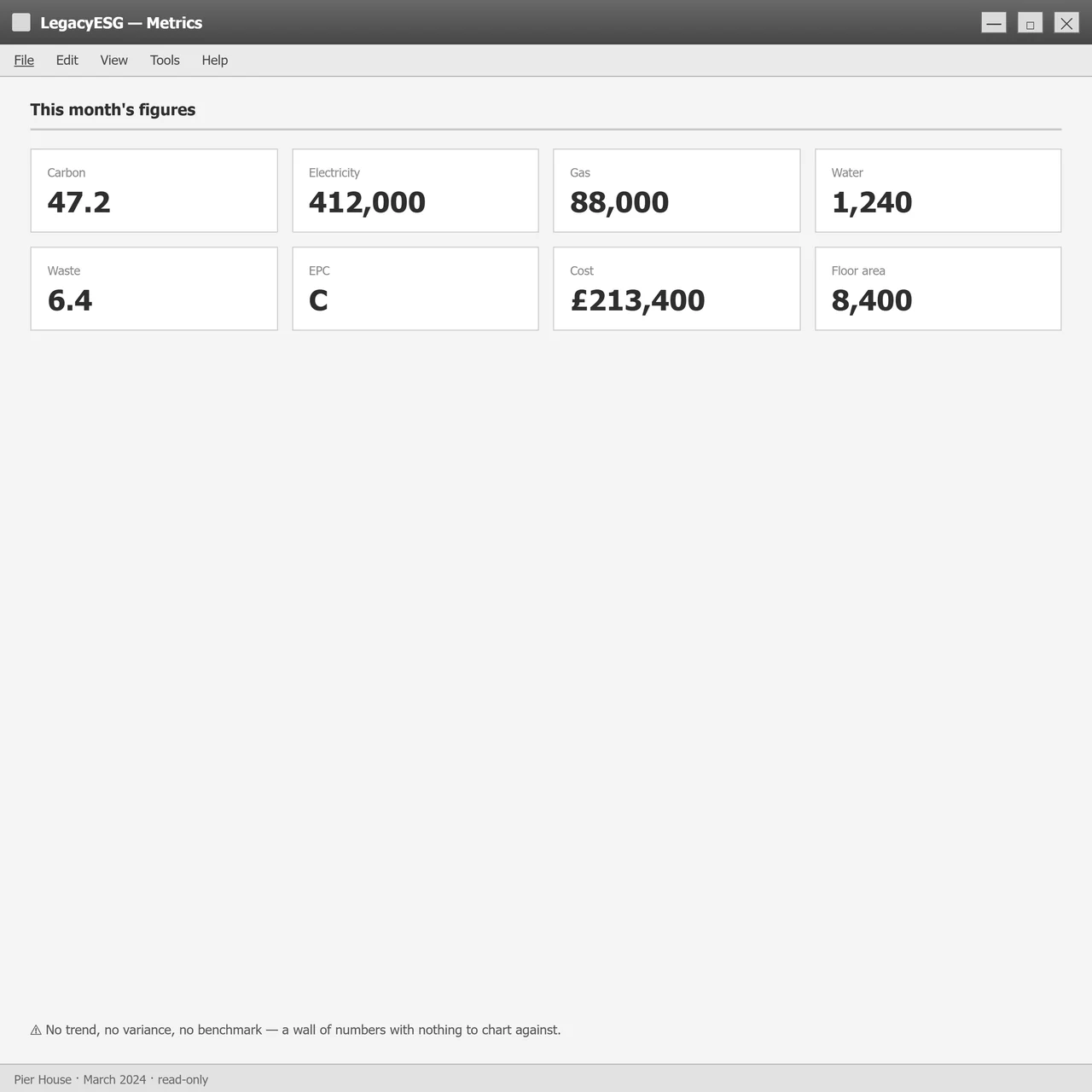
Users could navigate the platform but consistently struggled to interpret what they saw. Charts showed values without context, no benchmark comparison, no trend direction, no clear signal about what to do next. The same issue surfaced again and again.
"There is too much going on… no way to know what to look at first."Asset Manager, Thornfield Energy
At fund level, users wanted breakdowns by floor area, sector and landlord/tenant split without clicking through multiple pages. At asset level, they wanted consistency, the same metrics at the same depth. A configurable view, surfacing the most relevant data first, came up repeatedly.


Eight interview sessions affinity-mapped into six problem categories. Dovetail's AI clustered the initial themes; I interrogated, collapsed and re-labelled them until the groupings reflected what I'd actually heard, then reframed each root cause as a How-Might-We to set the brief with product and engineering.
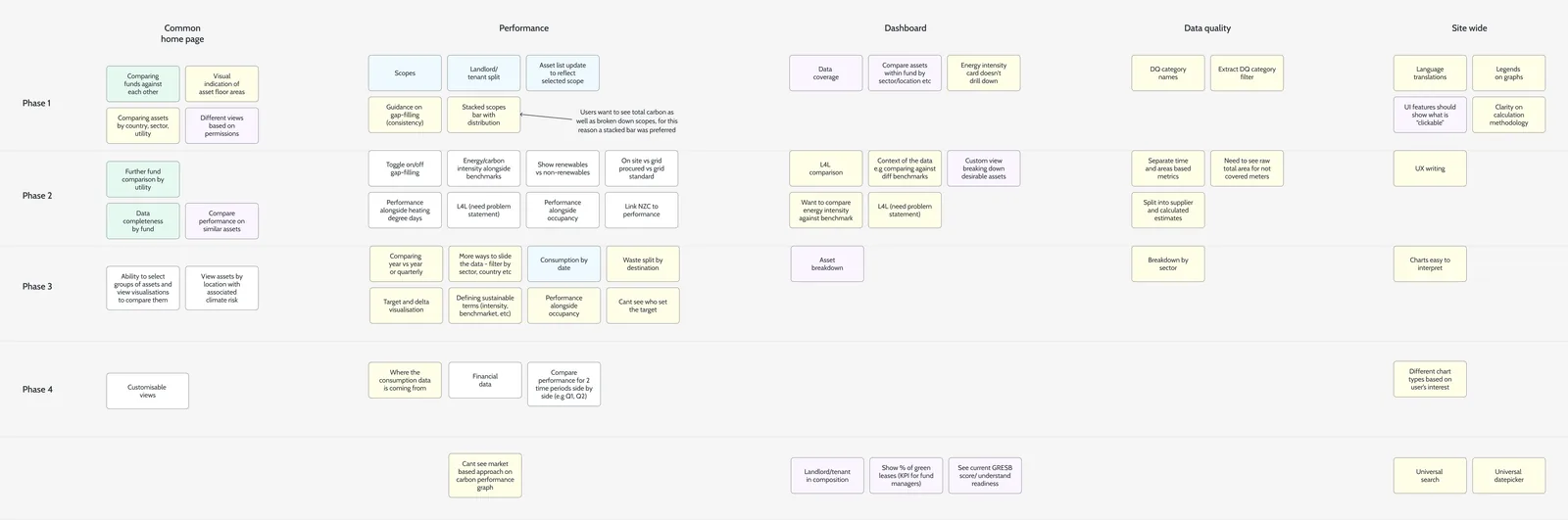
The work split into four phases, each tackling a different data domain, performance, dashboards, data quality, and site-wide improvements. That let us ship incrementally and validate with users between phases rather than redesigning everything at once.

The affinity map gave me six root-cause categories. Six parallel workstreams would have been six things half-finished, so I collapsed them into four phases by sequencing on dependency, not on how loud each complaint was. Two categories that couldn't earn a phase of their own folded into the work they were closest to, rather than living on as a backlog nobody owned.
The defensible cut: the two folded-in categories collapsed because they depended on the four phases above, not because they were quieter. Dependency ordered the roadmap, complaint volume did not.
Beneath the analytics layer sat a 0→1 intelligence module: the part that did the thinking the product had been promising, scanning the portfolio for the one asset or anomaly that needed attention and saying so. I sequenced it after data quality on purpose. Intelligence pointed at a number nobody trusts is worse than none, it just makes the wrong figure louder.
How the dashboard, drill-downs and target-setting flows took shape before the final UI.
The platform had the data. It just couldn't answer any of the questions a fund manager actually asks on a Tuesday morning. So before pushing pixels we mapped users, pain, and a single How-Might-We we could test every screen against.
From eight interviews and a Dovetail-tagged synthesis. We taped one question to the wall, then every screen had to answer to it, tested three ways.
How might we hand a fund manager the whole investigation loop, spot it, diagnose it, trust it, without ever emailing a consultant?
Every red box above was an opportunity for tooling to remove a handoff. We re-scoped the brief from "redesign the dashboard" to "give the fund manager the investigation loop end-to-end".
That broke the work cleanly into two streams: data viz (Spot + Investigate) and a new data quality module (Verify + Resolve).
We could have shipped a prettier dashboard in 4 weeks. Instead we spent the first 3 weeks on business logic: L/T scope rules, target-setting decision tree, coverage-vs-completeness definitions.
Painful to defend, but it meant the dashboard didn't get redesigned twice when the rules changed.
Four passes. The first overcorrected by deleting too much. The second overcorrected by adding it all back. The fourth one earned its place by making every tile answer "should I be worried, and where do I click?"
Between v2 and v3 we re-wrote the brief for every tile: what question does this answer, and what action follows?
A KPI without a target was demoted. A chart without a benchmark was redrawn. A meter without a coverage % was flagged. The number of elements went up, but every one earned a job.
The shadcn-ish KPI row pattern caps at 5. We pushed to 6 to fit the DQ score next to performance, which violated a token grid but held the principle.
Comp: we tightened the inner padding and dropped the trailing "kg" / "kWh" off mobile to keep it readable.
The original "DQ score" was a single number that hid the actual problem. Splitting it into coverage (do we have meters?) and completeness (are they reporting?) was the design call that everything downstream depended on.
Engineering had to expose two scores from the warehouse instead of one. We pushed back on "ship the split as a tooltip", because the failure modes are genuinely different problems with different fixes.
We considered hiding "completeness" behind a hover. Killed it: data quality is the principle, hiding the harder half undermines it.
Comp: we let the DQ widget be wider than the other KPI tiles when it's expanded.
Carbon targets can be set custom, imported from CRREM/NZC science-based pathways, or derived from an action plan. The same form can't ask for all three sets of inputs. We mapped the decision tree first, then designed around it.
The pattern library said radio. We broke pattern because the pathway choice anchors years of reporting, it deserved more pixels than a 16px circle.
Three discrete pages would have been simpler to build. We took the wizard hit to keep the user inside one mental model and to share the preview component across all three paths.
Three wrong answers before we landed on breadcrumb-driven drill with the same KPI row at every level. Each wrong answer taught us something we used in the next one.
This was one of the four design principles. v1 to v3 all violated it in subtle ways. Final makes it physical: the same component renders the KPI row at fund, asset and meter scope, just bound to different data.
Tabs are tidier. But the user's job is to compare meter behaviour against DQ status, hiding one behind a tab broke the diagnostic workflow.
Vertical scroll won. Sticky breadcrumb + KPI row keep the top context in view.
Where we held the line, where we bent, and what we cut from scope. Every row here represents a debate that's still defensible today.
| Decision | What we picked | What we gave up | Why |
|---|---|---|---|
| DQ on the dashboard | kept A 6th KPI tile for the DQ score, alongside utility KPIs. | cut Hiding DQ behind an admin tab to keep the grid at 5×. | Principle: "quality is first-class". If a number can't be trusted, performance numbers next to it can't be either. |
| Coverage vs completeness | kept Two scores surfaced separately, with status pill. | cut A single composite "DQ %" that the inherited UI used. | Different failure modes mean different fixes. A composite hid the actual problem. |
| Drill-down model | kept Breadcrumb-driven, same KPI row at every depth, single scrolling page. | cut Tabbed view (hid context), modal drawer (broke history), separate route per level (re-orientation tax). | Users diagnose by comparing, across utilities and across depth. Hiding either axis breaks the loop. |
| Target setting flow | kept Three pathway cards + stepper + live pathway preview. | cut All-in-one form with conditional fields; three separate pages. | One mental model, but inputs scoped per path. Preview = confidence before commit. |
| Investigation loop | kept Self-service: anomaly to drill to gap-fill marker to escalate. | deferred Auto-resolution / one-click fixes. | Auto-fixing data is an audit risk in regulated ESG reporting. v1 surfaces; humans still commit. |
| L/T scope display | kept Inline split on every utility chart (no extra drill required). | cut A standalone "Scope" tab that buried the split. | L/T split is the question for procurement responsibility, it's not a secondary view. |
| Gap-filling visual | kept Hatched/dashed line segments on charts, with hover detail. | cut Footnote symbol that testers consistently missed. | Testers needed to see the gap, not be told about it in micro-copy. |
| Theme support | deferred Full dark mode as v1.2. | cut Shipping light + dark in launch sprint. | Chart accessibility QA on dark surfaces was a whole research stream, held it for a follow-on. |
| Phased delivery | kept Four phases: performance to dashboard to DQ to site-wide. | cut Big-bang rewrite. | Let us test with consultants between phases. Adjustments to DQ flow came from phase-2 feedback. |
Three things we'd front-load on the next engagement, with the same shape of problem.
The screens that did the heaviest lifting once the platform shipped, fund managers no longer exported to Power BI to figure out what their portfolio was telling them, data quality moved from an afterthought to a first-class metric, and the investigation loop closed inside the product. The headline screens come first; supporting depth follows.
The clearest signal was behavioural: fund managers stopped exporting raw data into Power BI. The platform was finally doing the thinking it had always promised to do. Data quality became a metric users actively watched, the first time the platform's own reliability was visible at all.